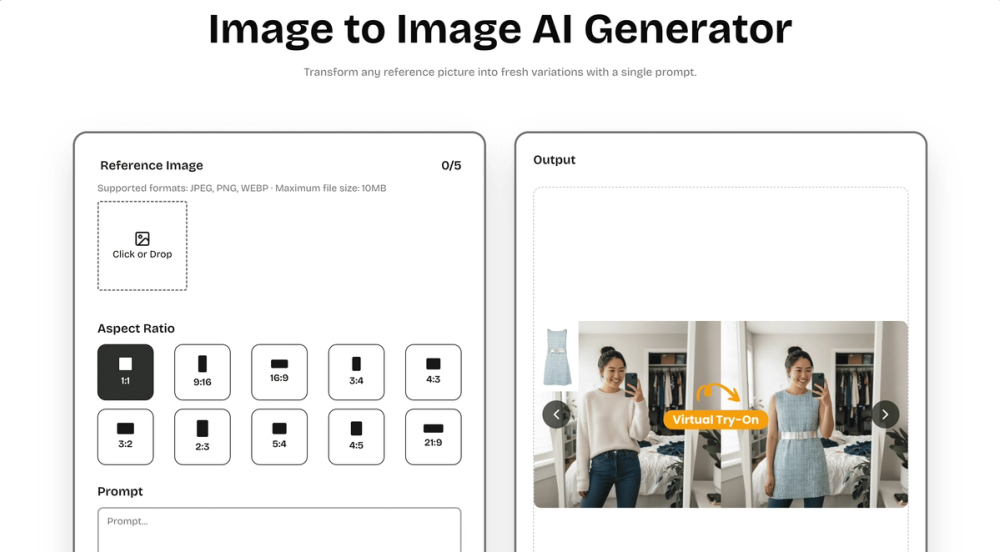
What is Image to Image AI?
Image to Image AI Core Features
Discover the tools that make our image transformer shine:
Sharp Visuals
Our advanced model keeps fine textures and colour fidelity intact, so prints stay gallery-ready on any size. It intelligently analyses micro-details—like subtle fabric weave and reflected highlights—then reconstructs them at higher resolution to avoid blur or banding when zoomed, helping photographers maintain a premium finish.
Style Variety
Presets apply lighting harmony automatically while still letting you fine-tune style. The preset engine balances exposure and tonal curves automatically, yet every slider remains accessible if you want to nudge warmth or saturation, enabling a custom signature look in just a few clicks.
Natural Posing
Depth-aware blending removes that ‘cut-and-paste’ look for natural composites. Our pose-aware depth map detects limbs and posture, blending new backgrounds without awkward edges, so your subject feels grounded in the scene rather than floating, perfect for fashion or product hero shots.
Fine-Tune Controls
Intuitive sliders tweak warmth, brightness, and focus with real-time previews. Real-time feedback makes experimentation painless; dial a parameter, see the canvas update instantly, empowering creatives to refine mood lighting or depth blur interactively instead of exporting multiple test versions.
Easy Export
Download creations in the format best suited to your use case—quick posts or gallery-quality prints—while our pipeline automatically optimises colour profiles so visuals stay true on every device.
Cloud Processing
Everything happens in the cloud—no install required and works on every device. GPU clusters handle heavy lifting even on mobile networks; nothing gets stored locally, freeing disk space and ensuring your workflow stays platform-agnostic whether you’re on desktop, tablet, or phone.